Choosing an indoor camera: what to look for
Resolution, pan and tilt, microSD or subscription, 2.4 or 5 GHz Wi-Fi and a cover for the lens: how to pick an indoor camera that fits your home.
Popular picks from this guide
-
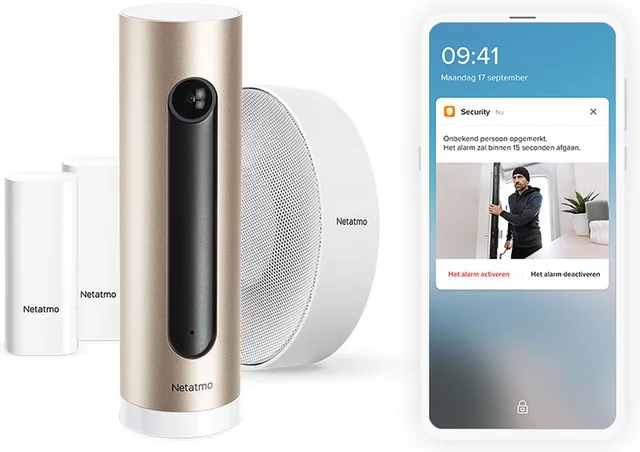
Netatmo Smart indoor camera bundle, 1x indoor camera, 1x alarm and 2x sensors, motion detection, night vision, worksGo to Bol Marketplace
€172.43 · at 1 shop
- Go to Bol Marketplace
- Go to Bol.com
Popular products at today's lowest price. Compare every shop on the product page.
Short answer: For indoors, choose a camera with at least 1080p, a pan-tilt head if you want to cover a whole room, night vision and two-way audio. Pay most attention to where the recordings go: a microSD card in the camera or a paid cloud plan. Also check that the camera supports 5 GHz Wi-Fi, has a privacy feature and works with the app or system you already use.
An indoor camera sits inside your home, so you choose differently than for an outdoor one. Privacy, storage and how good the app is matter more than weather resistance. Below are the points that make the difference in practice. Domotto does not test cameras; the facts come from what manufacturers state on their own product pages.
Resolution: 1080p, 2K or 4K
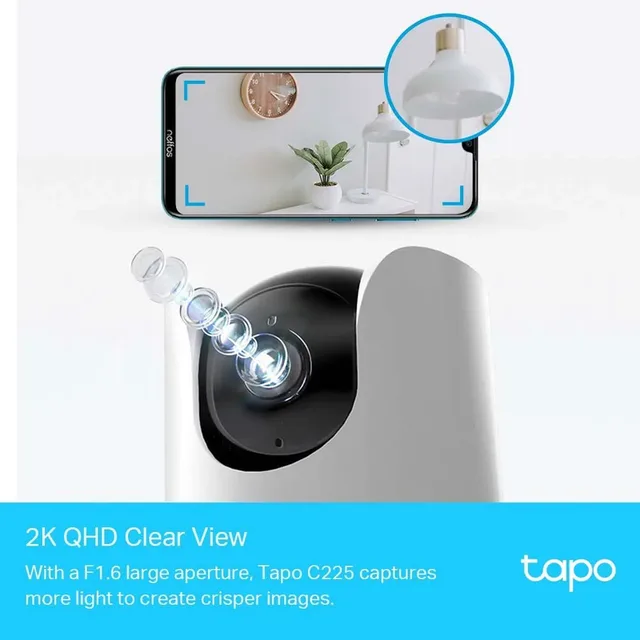
1080p (Full HD, 1920 × 1080) is enough for an ordinary room. A 2K camera (also called QHD or 4 megapixel) gives more detail, for instance to recognise a face or text at a distance. The TP-Link Tapo C225 lists 2688 × 1520 pixels, while the TP-Link Tapo C200 is a 1080p model. There are 4K cameras too, such as the Eufy E30.
More pixels means larger files: your microSD card fills faster and live viewing needs more bandwidth. A high resolution helps little if the picture is grainy in the dark or over a weak Wi-Fi signal.

Field of view and pan-tilt
A fixed camera sees an angle of roughly 110 to 130 degrees depending on the lens; manufacturers usually give it on the product page. If the camera sits in a corner of the room, that is often enough.
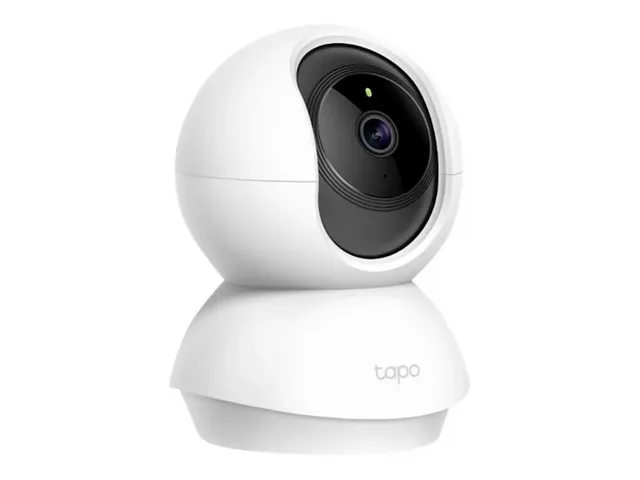
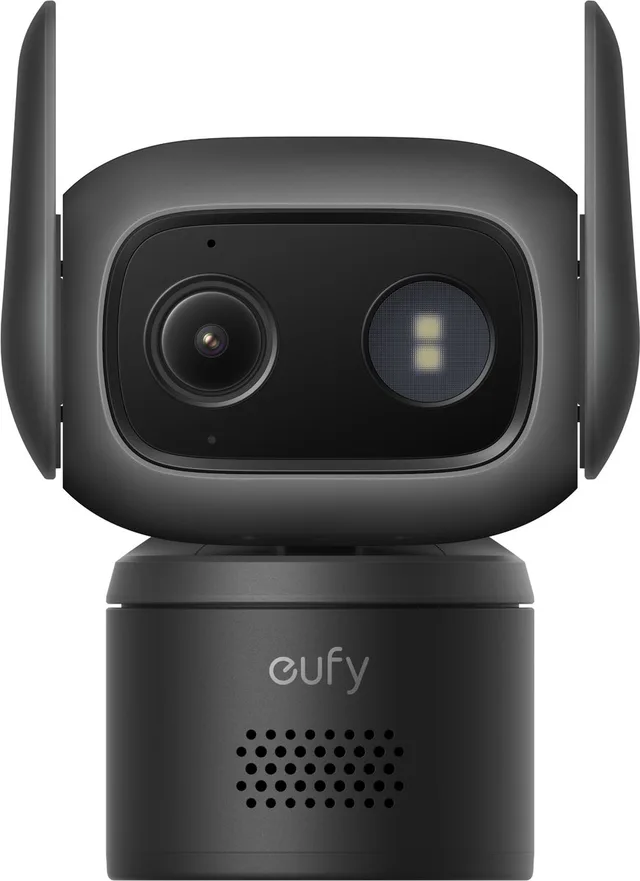
A pan-tilt (PTZ) camera has a motor. According to TP-Link the Tapo C225 and C200 turn 360 degrees, and the C225 tilts 149 degrees. You steer the camera from the app, and many models can follow a person or pet automatically. Choose pan-tilt if you want one camera to cover an open living room or a room with a corner. If you only need a door or a baby crib in view, a fixed camera is enough and usually more compact.
Indoor cameras that pan and tilt
- TP-Link
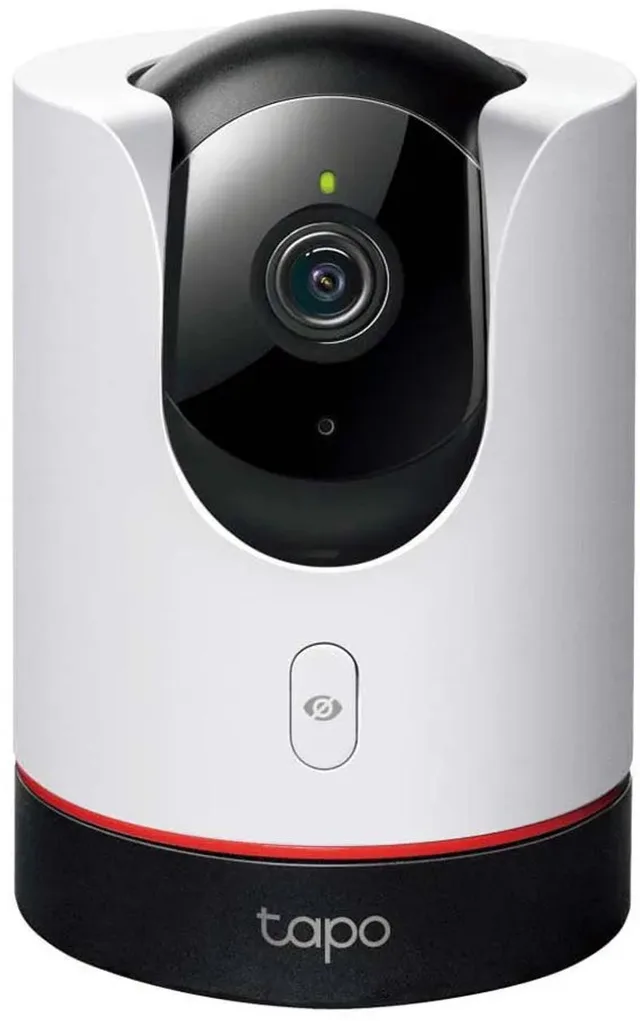
Tapo C225
From €59.99 · at 2 shops
- TP-Link
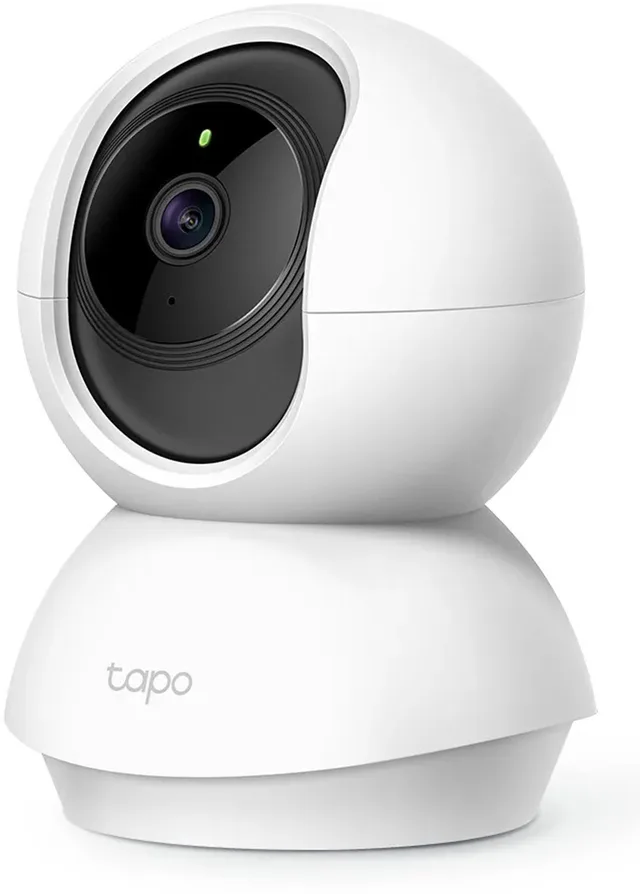
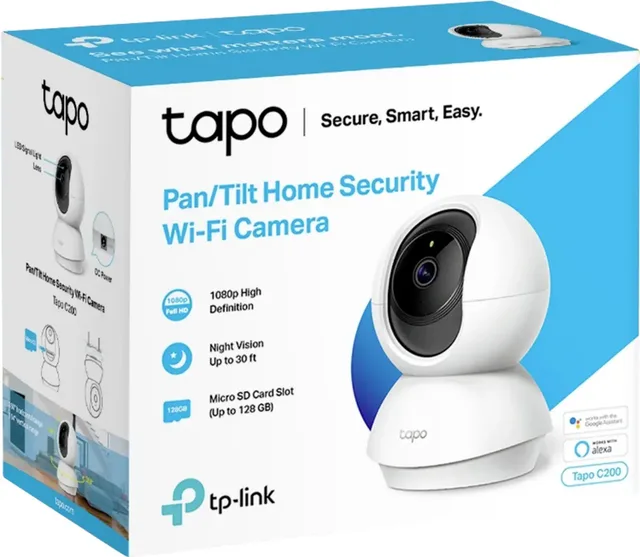
C200 indoor security camera, Full HD, Pan/Tilt
Wi-FiFull HDIndoorFrom €25.98 · at 6 shops
- eufy
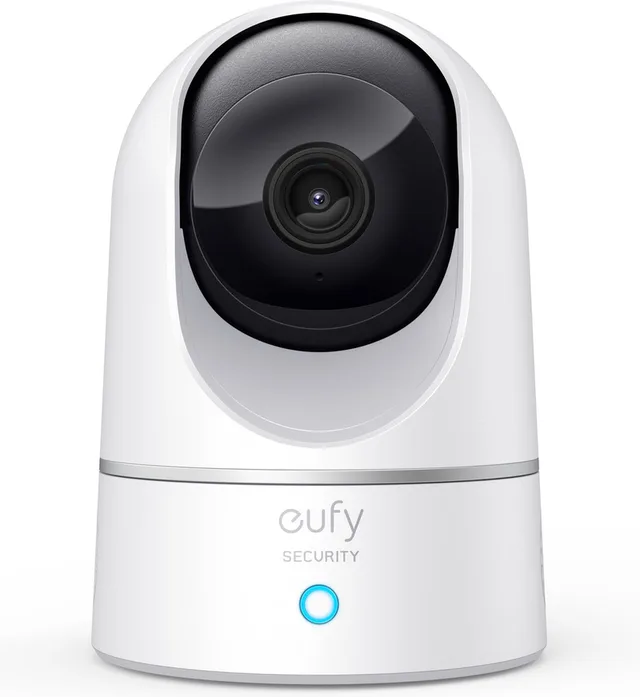
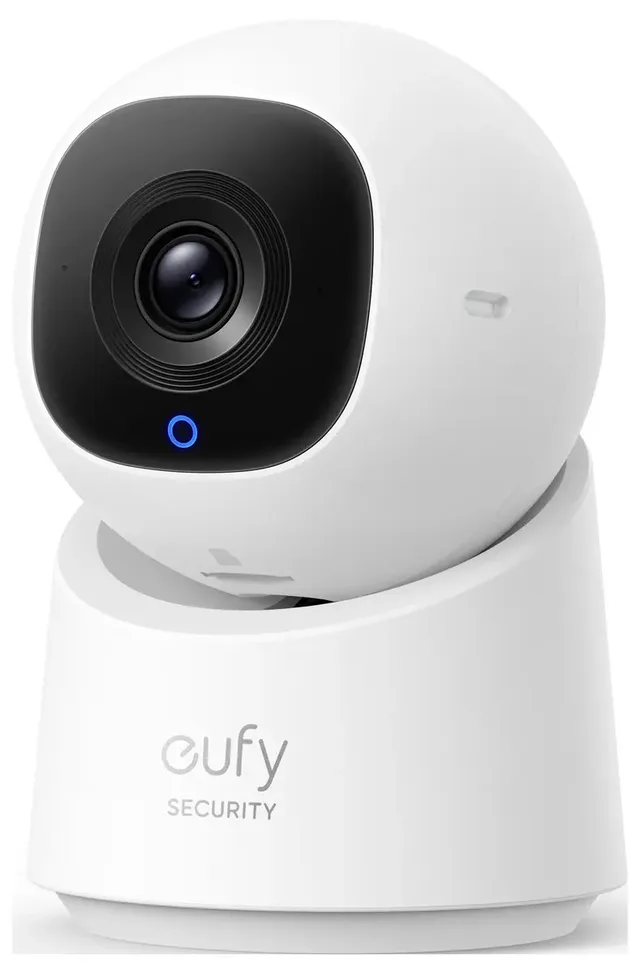
E220 Binnencamera
Pan & Tilt · Indoor Cam · Huisdiercamera2KIndoorFrom €46.99 · at 4 shops

Night vision
Almost every indoor camera has infrared night vision and then shows a black-and-white picture. TP-Link states a range of up to 12 metres for the C200 and up to 9 metres for the C225, which uses 940 nm infrared LEDs that are invisible to the eye. In an ordinary room that is plenty. Some models also offer colour night vision with a small light; the product page says how the camera does it.
Two-way audio
With two-way audio you hear what is happening in the room through the app and can talk back, for example to a child, the dog or a parcel courier. Both Tapo models have a microphone and speaker. Look for noise reduction, because a speaker right next to the microphone easily causes echo.
Storage: microSD or cloud
This is the choice that matters most for what you pay in the long run and who can reach your footage.
- Local on a microSD card. According to TP-Link the Tapo C225 and C200 take a card of up to 512 GB; the card is not in the box. TP-Link does not ask for a subscription for this local recording. Eufy says the same about recording to microSD on its indoor cameras, such as the Eufy E220. The downside: if the camera is stolen, the card goes with it.
- In the cloud. Recordings are kept on the manufacturer's server and you can still view them if the camera is gone. With Ring storage and playback run through the Ring Protect plan, with TP-Link through Tapo Care. Check on the product page which features (such as person detection) are part of the plan.
- On your own network. Cameras that support RTSP or ONVIF, such as the Tapos, can be connected to your own recorder or NAS.
Wi-Fi: 2.4 or 5 GHz
Many affordable indoor cameras support only 2.4 GHz. According to TP-Link the Tapo C225 and C200 do too. 2.4 GHz reaches further through walls but is more crowded. A camera with dual-band Wi-Fi (2.4 and 5 GHz) can pick a quieter channel and stream better. If the camera sits far from the router, check first whether you need a Wi-Fi extender. A camera with a network port is always more stable.
Privacy: cover and zones
You must be able to switch off a camera in your home. Look for a physical cover over the lens: the Tapo C225 has one that you operate with a button or in the app. Other models, such as the Ring Indoor Cam (2nd gen), have a manual cover. The Tapo C200 has privacy zones that block part of the picture. Do you switch the camera off when you are home? Then you want to do that quickly, preferably on a schedule or based on your phone being at home.
Person and pet detection
Simple cameras only report motion, which gives many alerts from a curtain, a fan or changing light. Cameras with person detection, such as the C200, or with person and pet detection, such as the Tapo C225, alert more precisely. With some brands this AI detection is part of a paid plan; read up on that. Activity zones let you choose which part of the picture counts.
Works with Home Assistant, Google, Alexa and HomeKit
What a camera does in a smart home is stated by the manufacturer. For the Tapo C225 TP-Link names Alexa, Google Assistant and Apple HomeKit, for the C200 Alexa and Google Assistant. Both support RTSP and ONVIF. These are standards that software such as Home Assistant can use to fetch a camera stream. Check per camera what exactly works: sometimes only a stream, sometimes motion alerts too. A camera that uses HomeKit Secure Video stores recordings in iCloud and needs an iCloud plan.
Power: mains or battery
Most indoor cameras run on a power adapter (USB or 9 to 12 V), so the camera is always on and you never charge a battery. That needs a socket near where the camera goes and a cable in view or along the wall. Battery cameras can go anywhere, but the battery must be charged or replaced more often. Indoors, mains power is the usual choice.
More indoor cameras from well-known brands
- Ring
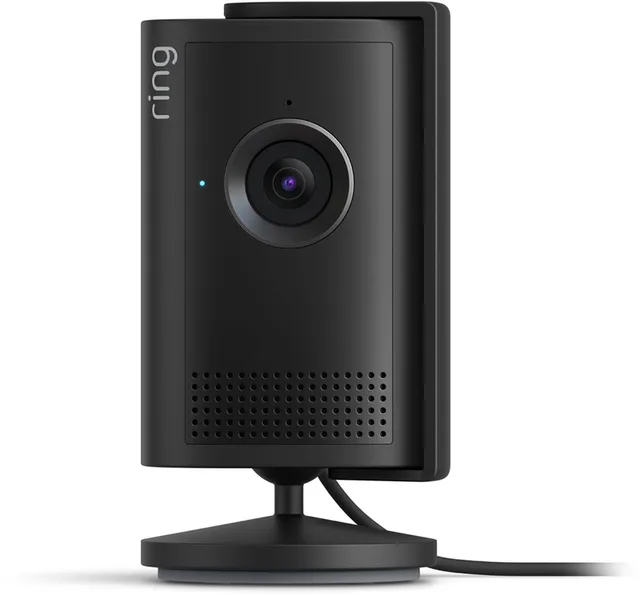
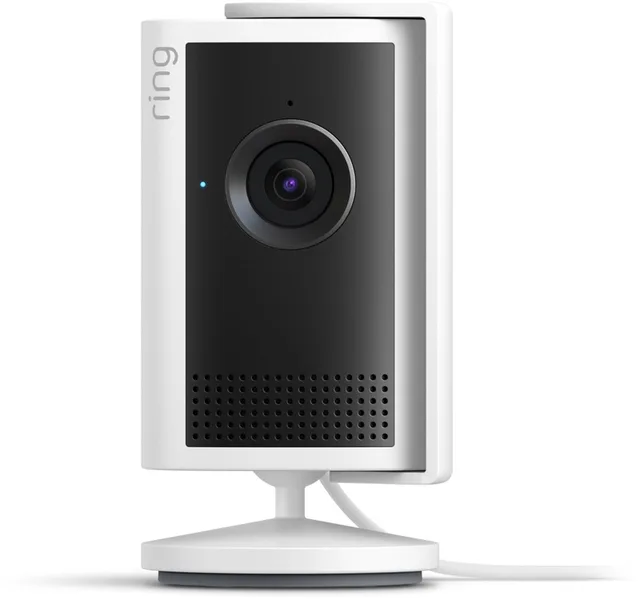
Indoor Camera 2K
Beveiligingscamera · Binnenhuis camera2KIndoorFrom €47.50 · at 3 shops
Lowest in 90 days
- Reolink
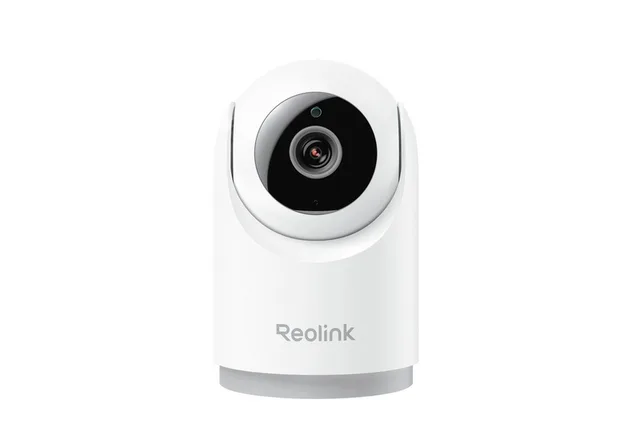
Überwachungskamera Reolink E Series E331
(Innenbereich, Geräuscherkennung)Wi-Fi5 MPEthernetFrom €60 · at 2 shops
- Netatmo
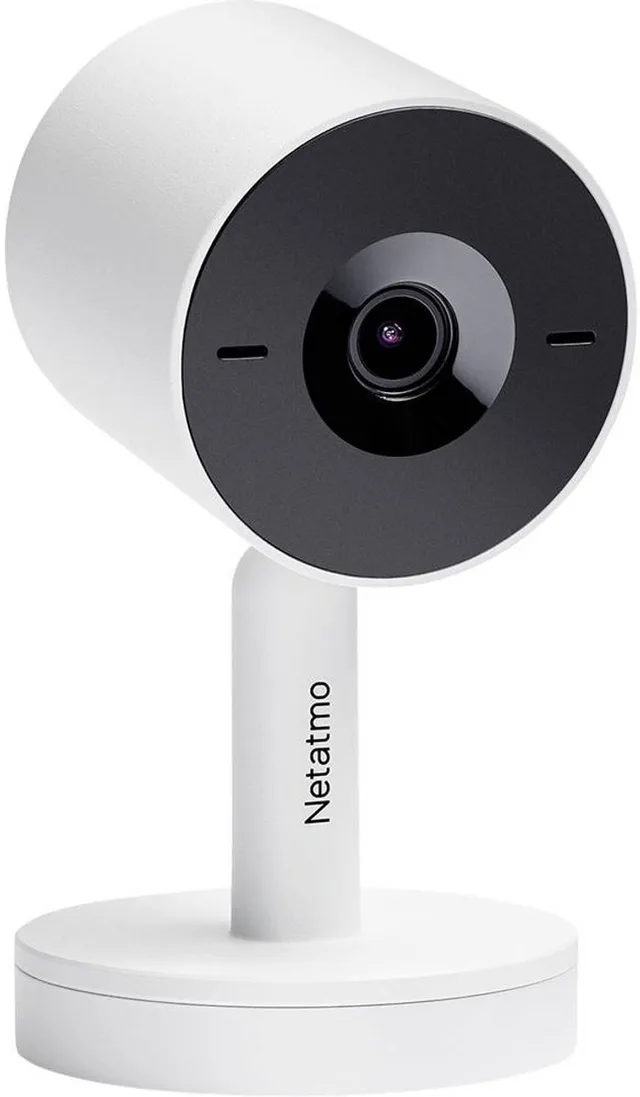
Slimme Beveiligingscamera Binnen
Bewakingscamera 2K · GezichtsherkenningWi-Fi2KIndoorFrom €230 · at 3 shops
Frequently asked questions
Which indoor camera is best?
That depends on what you want to see and where you want the recordings kept. For a room with a lot of space a pan-tilt camera fits, for a door a fixed camera. Then compare storage (microSD or plan), Wi-Fi requirements and the apps you already use. Domotto does not test cameras; compare the manufacturer's specifications and today's prices on the product pages.
Do I need a subscription for an indoor camera?
Not always. Many cameras record to a microSD card without a subscription. For cloud storage, and sometimes for smart detection, brands such as Ring and TP-Link do ask for a plan. Read on the product page what works without one.
Can an indoor camera be used outdoors?
Only if the manufacturer says so. An ordinary indoor camera is not waterproof and its operating temperature is not always met outside. For outdoors, look at an outdoor camera with an IP rating such as IP65.
Where can I find a camera with microSD and no subscription?
Browse the indoor cameras and filter by brand or price. Brands such as TP-Link (Tapo) and Eufy offer models with a microSD slot; check the product page for the maximum card size.
Keep looking
Domotto doesn’t test devices itself. This guide sets out what manufacturers state.
Products from this guide
Popular products with a current price at the shops. Compare the prices on the product page.
- TP-Link
C200 indoor security camera, Full HD, Pan/Tilt
Wi-FiFull HDIndoorFrom €25.98 · at 6 shops
- TP-Link
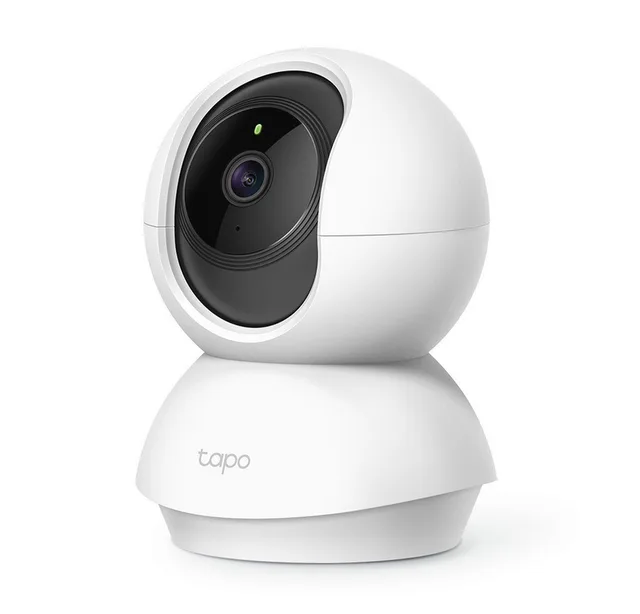
Smart home camera Tapo TC70, indoor, built-in siren
Wi-Fi2 MPIndoorFrom €33.99 · at 3 shops
- eufy
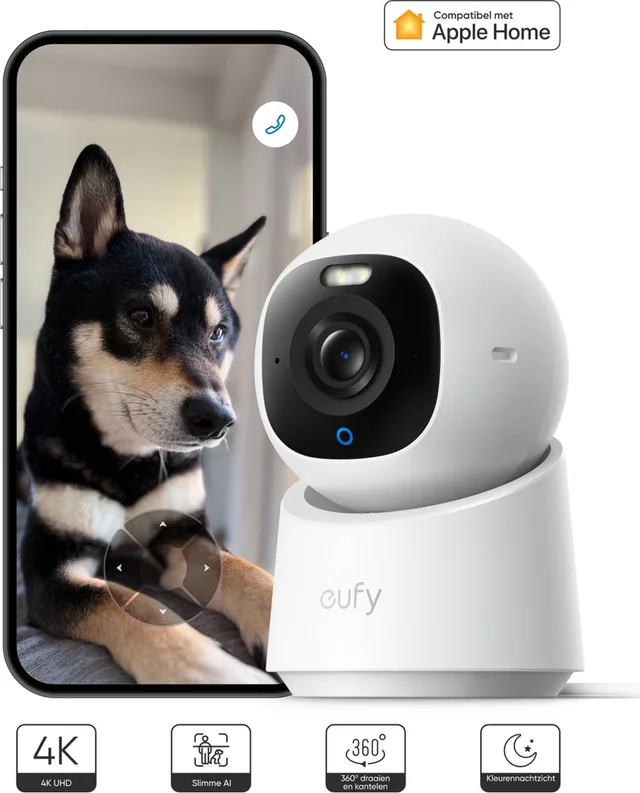
Indoor camera E30, pet camera
4KIndoorFrom €59.99 · at 6 shops
- eufy
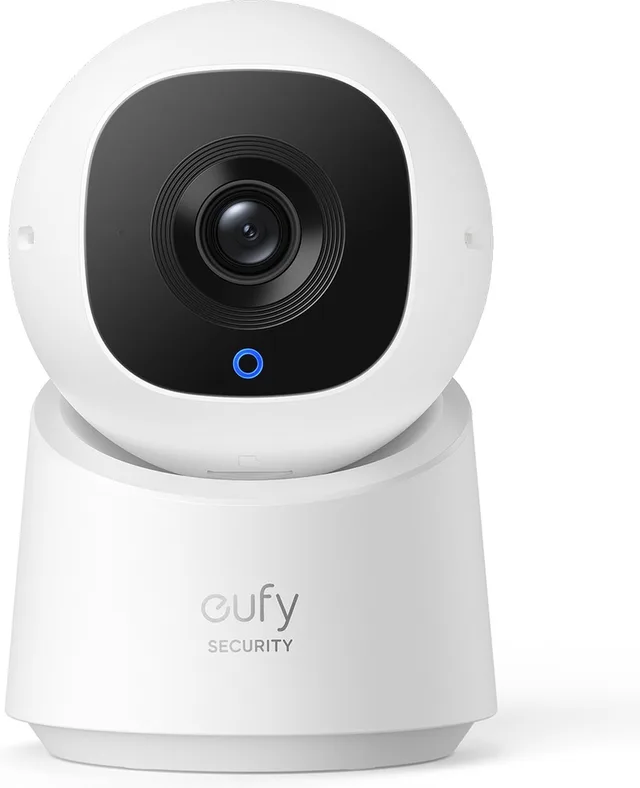
Indoor Cam, security camera
with 2K resolution and 360° PTZWi-Fi2KIndoorFrom €33.99 · at 6 shops
Lowest in 90 days
- eufy
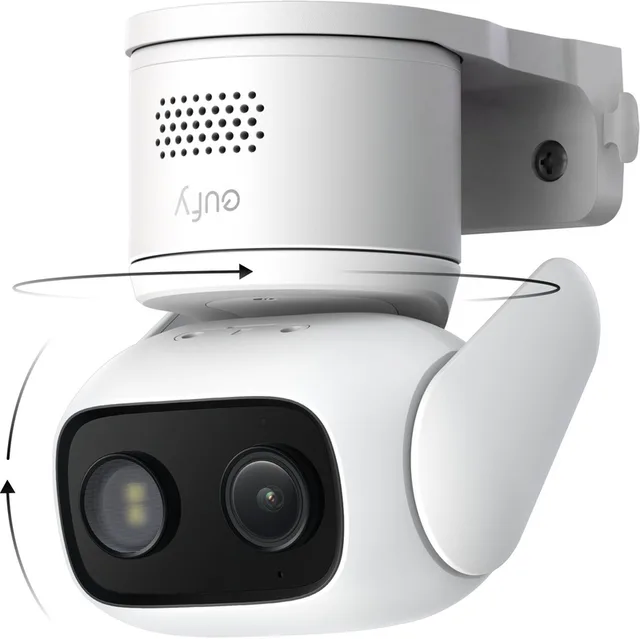
Beveiliging Bedrade Cam C31
Kantelbare BeveiligingscameraIP66Outdoor, IndoorFrom €56.99 · at 3 shops